Gladiatorsbet Registration Process in the United Kingdom
The Gladiatorsbet registration process takes under two minutes and opens access to a full sportsbook, a casino lobby, live dealer tables, and real-money slots. New users in the United Kingdom can sign up by email, phone number, or in one click, then deposit and withdraw using Visa, Mastercard, PayPal, and other UK-supported payment methods. Once your account is active, you can place bets on Premier League, horse racing, and other major markets, or spin slots from providers including Pragmatic Play and Evolution Gaming. Complete the Gladiatorsbet sign up today and claim the Kickstart welcome bonus: 250% up to £3,000 plus 1,000 Free Spins.
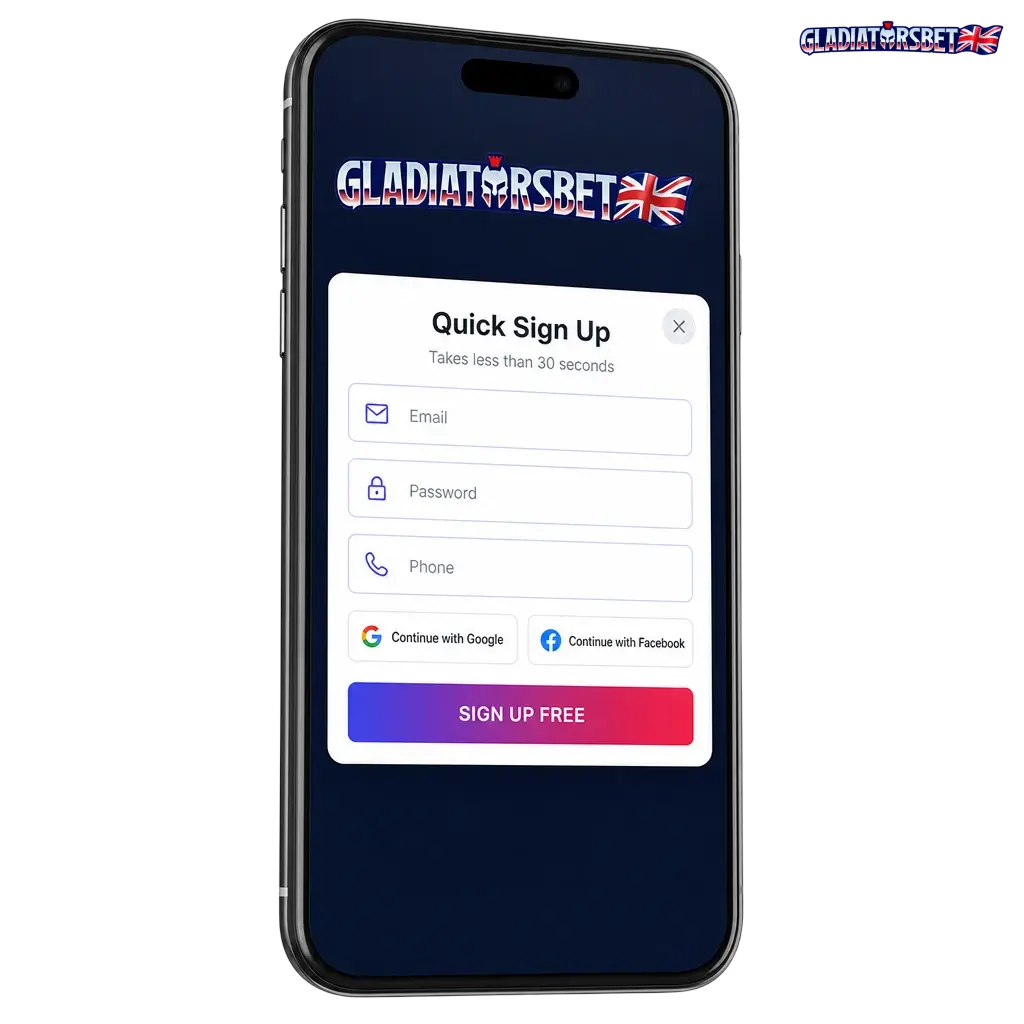
All Available Registration Options on Gladiatorsbet
- By Email: enter your email address and set a password;
- By Phone Number: register using your UK mobile number and verify via SMS;
- One-Click: create an account instantly with a single action, then complete your profile later;
- Via Social Media: link an existing Google or other supported social account to register without filling in a form.
Register by Email
Email registration gives you full control over your login credentials and is the most widely used method on the platform. Follow these steps to complete the process:
- Click the Sign Up button at the top of the page.
- Select Email as your registration method and enter your email address.
- Create a strong password and enter your date of birth, currency (GBP), and country (United Kingdom).
- Accept the Terms and Conditions and confirm you are aged 18 or over.
- Click Create Account and verify your email address via the confirmation link sent to your inbox.
Register by Phone Number
Phone number registration ties your account directly to your UK mobile, making future logins and account recovery faster. Follow these steps:
- Click Sign Up and select the Phone Number option.
- Enter your UK mobile number, including the +44 country code.
- Fill in your personal details: full name, date of birth, and preferred currency (GBP).
- Accept the Terms and Conditions and confirm you are aged 18 or over.
- Click Send Code, enter the SMS verification code received, and confirm to activate your account.
One-Click Registration
One-click registration is the fastest path to creating a new account, requiring minimal input upfront so you can start exploring the platform immediately. Follow these steps:
- Click Sign Up and select the One Click option.
- Choose your preferred currency (GBP) from the dropdown.
- Click Register to generate your account instantly.
- Save or note your auto-generated credentials displayed on screen.
- Complete your profile details in the account settings before making your first deposit.
Register via Social Media
Social media registration lets you create a Gladiatorsbet account by linking an existing Google profile, bypassing manual form-filling entirely. Follow these steps:
- Click Sign Up and select the Google (or supported social) option.
- Authorise the connection in the pop-up window that appears.
- Confirm your preferred currency (GBP) and country (United Kingdom).
- Accept the Terms and Conditions and confirm you meet the 18+ age requirement.
- Click Complete Registration to activate your account.
Register via the Gladiatorsbet Mobile App
The Gladiatorsbet mobile app delivers the full registration experience on Android and iOS, with an optimised interface designed for smaller screens that makes form completion faster than on desktop. All four registration methods (email, phone number, one-click, and social media) are available within the app. Follow these steps to get started:
- Download the App: Visit the Gladiatorsbet website on your mobile browser, navigate to the app download section, and install the Android APK or iOS app on your device.
- Open and Select Sign Up: Launch the app and tap the Sign Up button on the home screen.
- Choose Your Registration Method: Select email, phone number, one-click, or social media, then fill in the required fields and set GBP as your currency.
- Accept Terms and Verify Age: Confirm you are 18 or over, accept the Terms and Conditions, and tap Create Account.
- Verify Your Account: Complete the verification step sent to your email or phone to activate full account access.
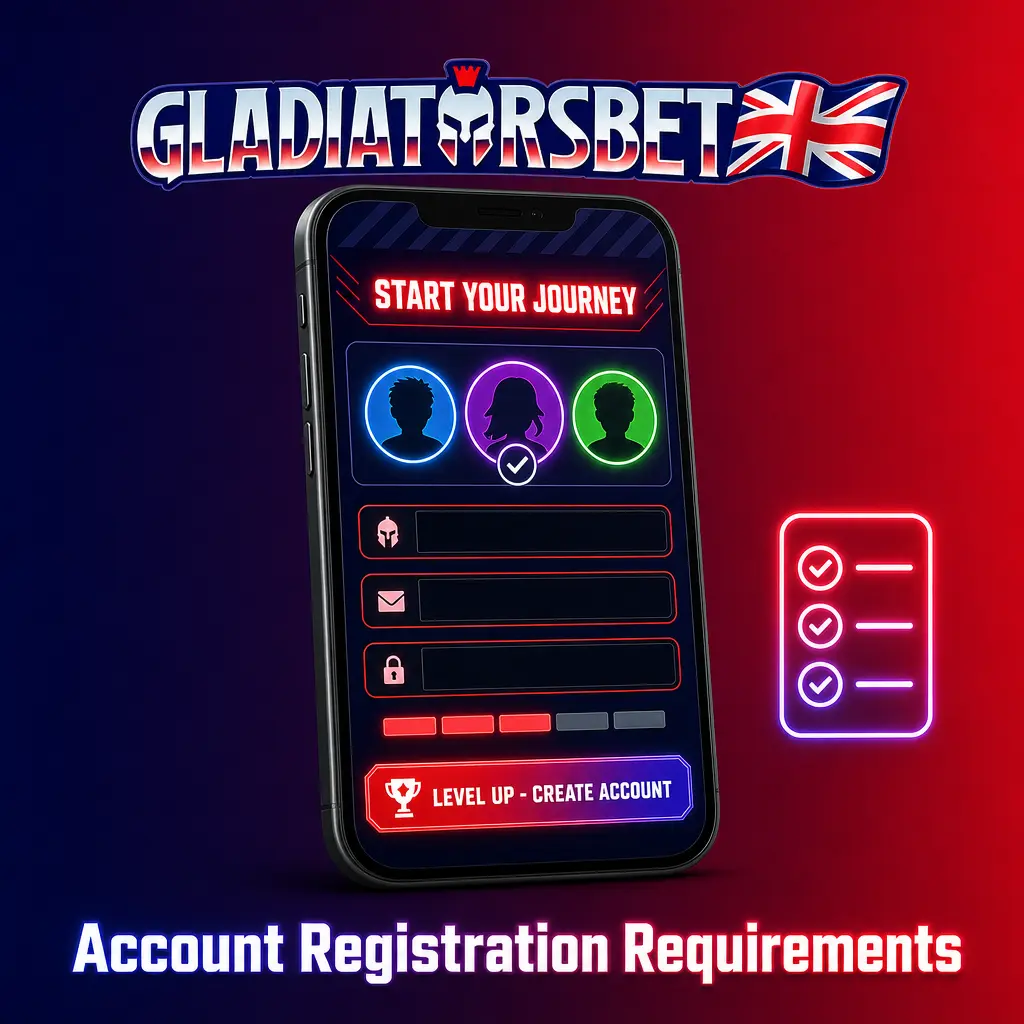
Account Registration Requirements
All users registering on Gladiatorsbet must meet specific eligibility criteria in line with UK Gambling Commission (UKGC) regulations. You must be at least 18 years old and physically located in the United Kingdom at the time of registration. Only one personal account per individual is permitted; duplicate accounts will be closed. All personal information provided during sign up must be accurate and match official identification documents. Failure to meet these requirements may result in account suspension or withdrawal restrictions.
- Age: You must be 18 years of age or older to create an account and engage in real-money gambling.
- Residency: Registration is open to users physically located in the United Kingdom in compliance with UKGC licensing conditions.
- One Account Per Person: Each individual is permitted a single active account. Creating multiple accounts is a breach of the Terms and Conditions.
- Accurate Personal Details: Your name, date of birth, and address must match the documents you will submit during the KYC verification stage.
- Valid Contact Information: A working email address or UK phone number is required to receive verification communications and account notifications.
Login to Your Gladiatorsbet Account
Once your account is created, signing back in takes only a few seconds using the credentials or method you chose at registration. Follow these steps:
- Click the Log In button below to open the sign-in screen.
- Enter your registered email address or phone number along with your password, or choose to sign in via the social media account you linked at registration.
- If you enabled two-factor authentication, enter the verification code sent to your phone or email.
- Click Log In to access your account, where your balance, bonuses, bet history, and personal settings are all available.
Account Verification Process
Account verification (KYC) is a UKGC regulatory requirement on Gladiatorsbet and must be completed before you can process withdrawals. Submitting your documents early avoids delays when you want to cash out winnings. Most verifications are reviewed within 24 hours of document submission. Follow these steps to complete the process:
- Log In and Navigate to Verification: Access your account, open the profile settings, and locate the Verification section.
- Prove Your Identity: Upload a valid government-issued photo ID such as a UK passport or driving licence.
- Confirm Your Address: Submit a bank statement or utility bill dated within the last three months that displays your full name and UK address.
- Verify Your Payment Method: Provide a photo or screenshot of the payment method used to deposit (e.g., a Visa or Mastercard with the middle digits obscured).
- Await Confirmation: The compliance team reviews submissions and sends an email confirmation of approval, typically within 24 hours.
Welcome Bonuses for New Users from the United Kingdom
New Gladiatorsbet users in the United Kingdom are eligible for the Kickstart welcome package, which covers both the casino and sports sections of the platform. The casino bonus delivers a 250% match on your first deposit up to £3,000 plus 1,000 Free Spins, while sports bettors can access a dedicated welcome offer on their first qualifying bet. Both bonuses are claimed at the point of registration and first deposit.

Casino Welcome Bonus
The Gladiatorsbet casino welcome bonus rewards your first deposit with a 250% match up to £3,000 and 1,000 Free Spins, making it one of the largest entry offers available to UK players in 2026.
| Detail | Value |
|---|---|
| Bonus Size | 250% match up to £3,000 + 1,000 Free Spins |
| How to Claim | Register, make your first deposit, and opt in at the cashier |
| Minimum Deposit | £20 |
| Wagering Requirements | 40x on the bonus amount (confirm current terms in the promotions section) |
| Free Spins Game | Eligible slots as specified in the active promotion terms |
Sports Betting Welcome Bonus
The Gladiatorsbet sportsbook welcome offer gives new users a bonus on their first qualifying sports bet, available across markets including Premier League football, horse racing, and tennis. Full terms including minimum odds and qualifying bet amount are listed in the promotions section of your account.
| Detail | Value |
|---|---|
| Bonus Type | First-bet sports welcome offer |
| How to Claim | Register, navigate to the sportsbook, place your first qualifying bet |
| Minimum Deposit | £10 |
| Wagering Requirements | As specified in current promotion terms |
| Eligible Markets | Premier League, horse racing, tennis, and other listed sports |
Account Overview
Your personal account area on Gladiatorsbet centralises everything you need to manage your gambling activity in one place. Registered users have access to the following features:
- Balance and Wallet: View your real-money balance, active bonuses, and pending withdrawals in real time;
- Deposit and Withdrawal: Initiate transactions using Visa, Mastercard, PayPal, and other supported UK payment methods directly from your account dashboard;
- Bonus Centre: Browse, opt in to, and track progress on available promotions, including the welcome package and ongoing reload offers;
- Bet History: Review a full log of all sportsbook wagers placed, including settled and pending bets;
- Game History: Access a record of every casino session, including slots and live dealer rounds played;
- KYC and Verification: Upload and track the status of identity, address, and payment verification documents;
- Responsible Gambling Tools: Set deposit limits, loss limits, session time limits, or activate a self-exclusion period through GamStop integration;
- Account Settings: Update your personal details, change your password, manage communication preferences, and configure two-factor authentication.
Possible Problems and Their Solutions When Registering on Gladiatorsbet
A small number of users encounter issues during the sign up process. Below are the most common registration problems and their direct solutions.
| Problem | Solution |
|---|---|
| Email address already in use | Use the password recovery tool on the login page to retrieve access to your existing account or contact support via live chat |
| SMS verification code not received | Check that you entered the correct +44 UK number; request a new code after 60 seconds or switch to email registration |
| Registration form not submitting | Clear your browser cache, disable any active VPN, and retry; use a different browser if the issue continues |
| Bonus not credited after first deposit | Confirm you opted in at the cashier before depositing and that the minimum deposit (£20 for casino) was met; contact support with your transaction ID |
| Account blocked immediately after sign up | This typically indicates a duplicate account flag; contact support via live chat to confirm your identity and resolve the restriction |
Steps to Delete a Personal Account
You may decide to close your Gladiatorsbet account for personal reasons, including a preference to stop gambling or switching platforms. Before requesting deletion, withdraw any remaining balance and use any active bonuses, as these will be forfeited upon closure.
- Log in to your account and navigate to Account Settings in your profile menu.
- Locate the Close Account or Self-Exclusion option within the responsible gambling settings section.
- Select your reason for closure (e.g., personal choice or responsible gambling), confirm your decision, and submit the request.
- If the option is not visible in your settings, contact the Gladiatorsbet support team via live chat or email to request manual account closure; provide your registered email or phone number for identification.